Supported cloud
Gauntlet for Google Cloud
Connect your Google Cloud projects without agents and get posture findings, compliance mappings and remediation steps for your Google Cloud workloads, in the same view as AWS and Azure.
Google Cloud
At a glance
- You connect
- Google Cloud projects
- Agents
- None to install
- Shown with
- AWS and Azure, in one view
How onboarding works
Connect, scan, fix
01
Connect
Grant Gauntlet access to your Google Cloud projects. There are no agents to install.
02
Scan
Gauntlet scans the projects for misconfigurations, compliance gaps and vulnerabilities and ranks every finding by severity.
03
Fix
Each finding comes with step-by-step remediation. Rescans run continuously and alert you to new issues and compliance drift.
In the product
Your Google Cloud projects, in one view
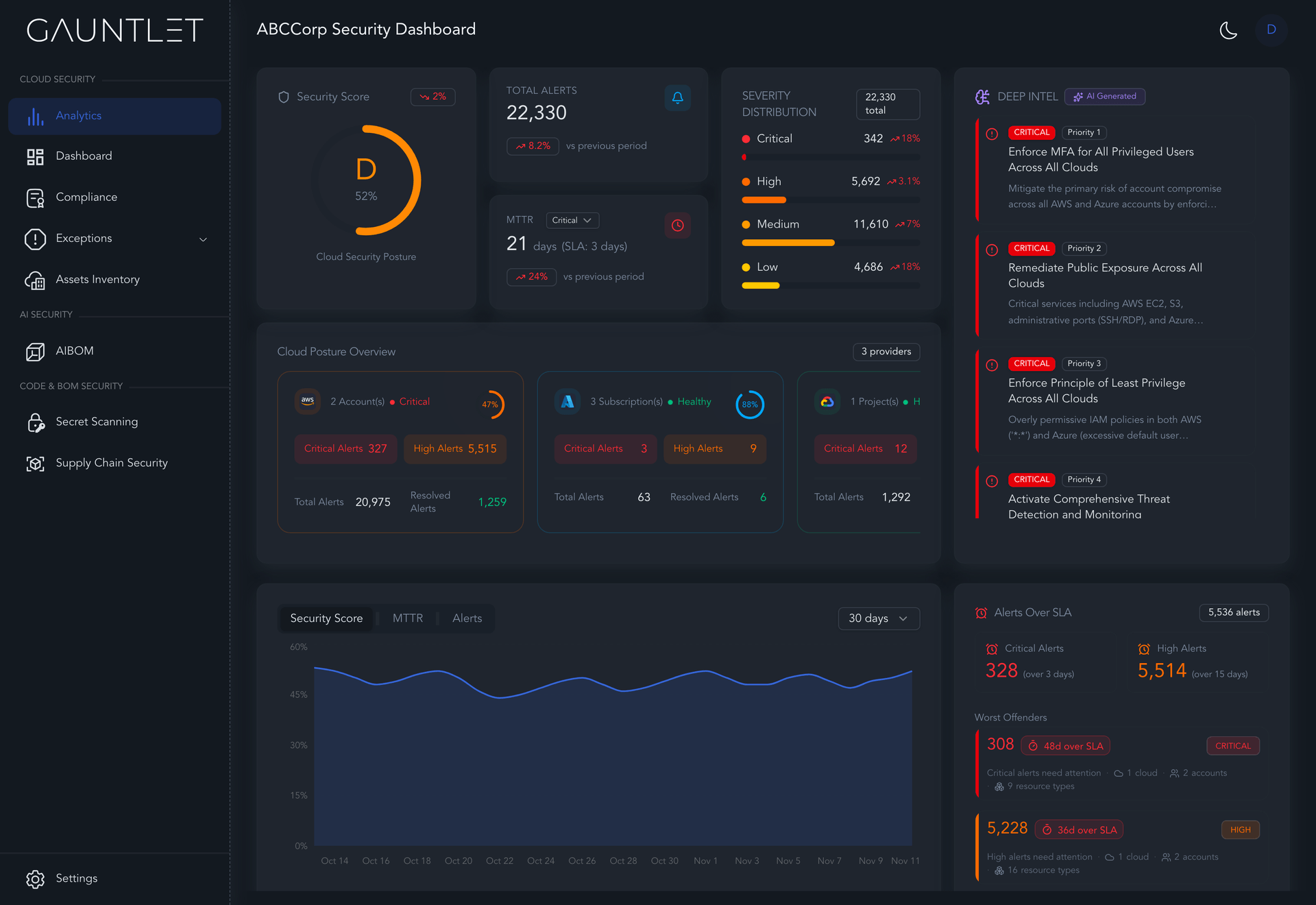
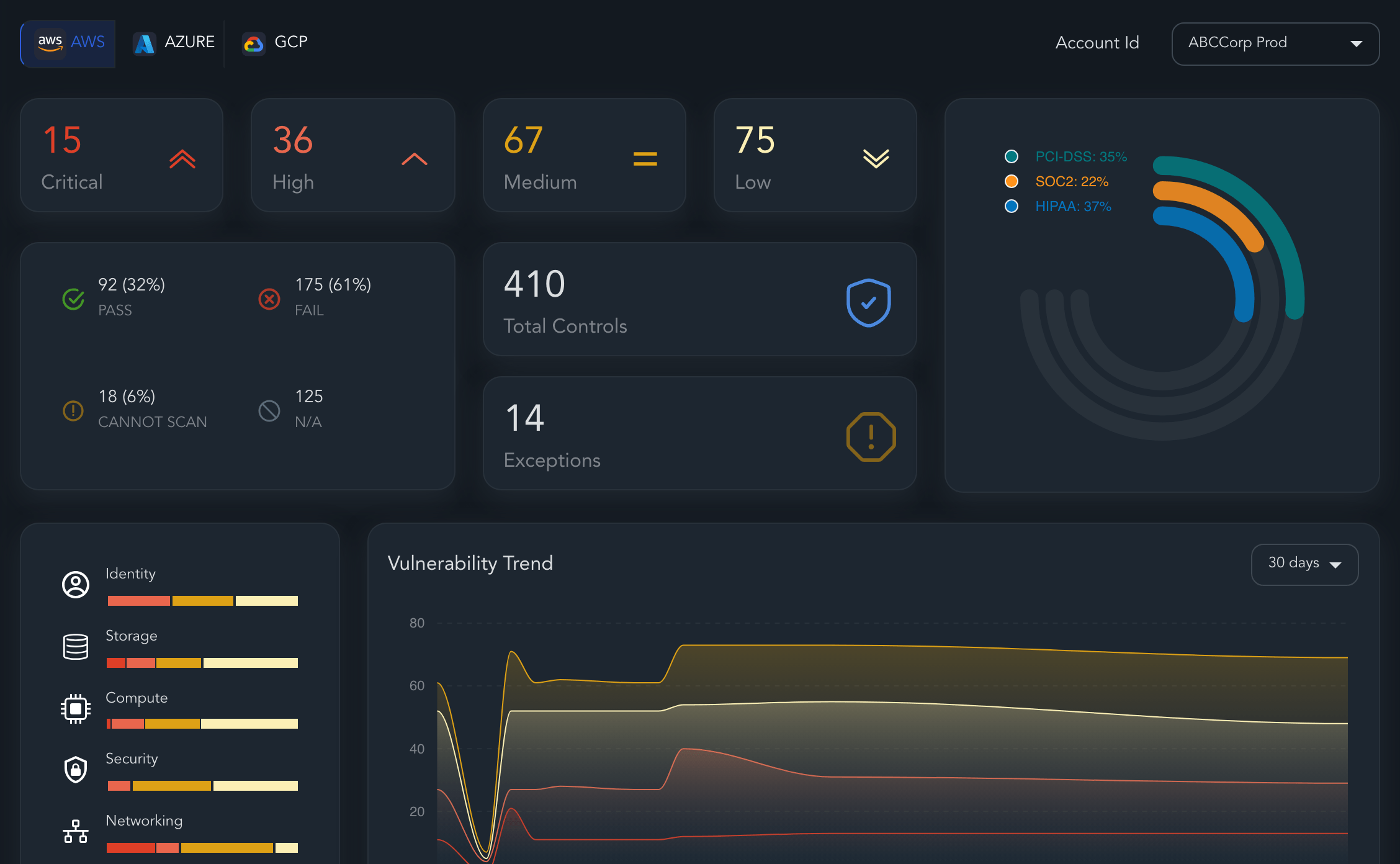
Findings from Google Cloud appear in the same dashboard as AWS and Azure, ranked by severity, with the remediation steps next to each. Findings map to compliance frameworks including ISO 27001, HIPAA and NIST.
How Gauntlet connects to Google Cloud
Onboarding is agentless: grant Gauntlet access to a project and the first scan runs without installing agents. Google Cloud findings appear in the same compliance view as AWS and Azure.
See your findings, with the steps to fix each.
A demo takes one call.
- No agents
- AWS
- Azure
- Google Cloud